

Description
Test Your Brand Knowledge with Logos Quiz Game
Overview
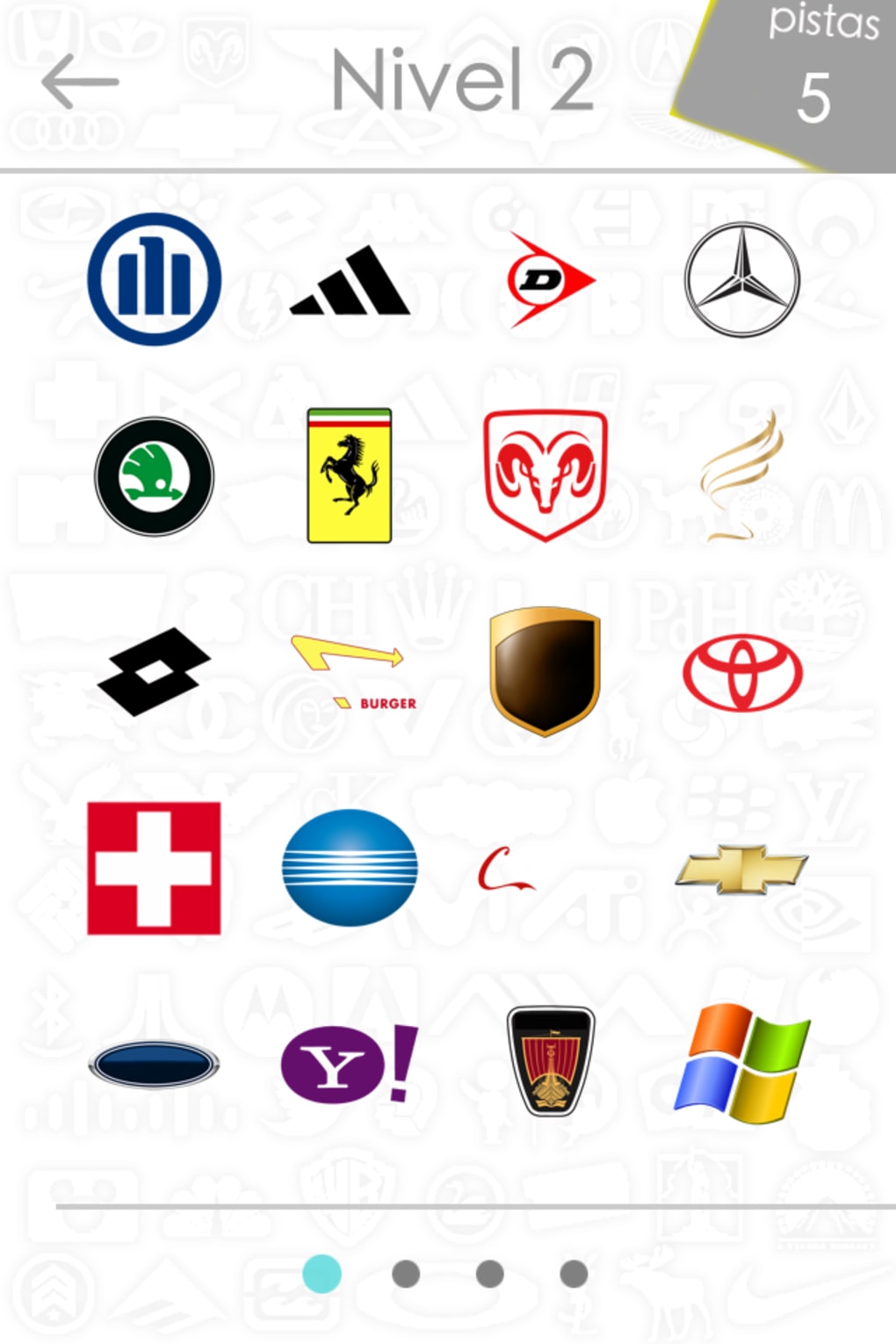
Logos Quiz Game is a free strategy game designed for iPhone users who enjoy testing their knowledge of global brand logos. The app challenges players to identify famous company logos from visual clues, making it ideal for casual gamers and branding enthusiasts alike. Developed by AticoD, the game offers a simple yet engaging format that turns logo recognition into a fun, interactive experience. It serves as both an entertainment tool and a subtle educational resource for those interested in corporate branding and visual identity.
Target users include iPhone owners looking for light, brain-teasing gameplay during commutes, breaks, or downtime. The game is particularly suited for individuals who appreciate pop culture, advertising, and design. With support for multiple languages including English, Spanish, and French, it appeals to a broad international audience. The app has been available since 2012 and continues to attract users, with recent activity showing steady interest over time.
Although the developer did not provide additional details about the app’s development philosophy or future roadmap, its enduring presence in the iOS ecosystem suggests a stable and well-maintained product. Real-world usage scenarios include quick sessions during daily routines, classroom activities for design students, or friendly competitions among friends. The game’s long-standing availability reflects its reliability and consistent user engagement.
Key Features & Capabilities
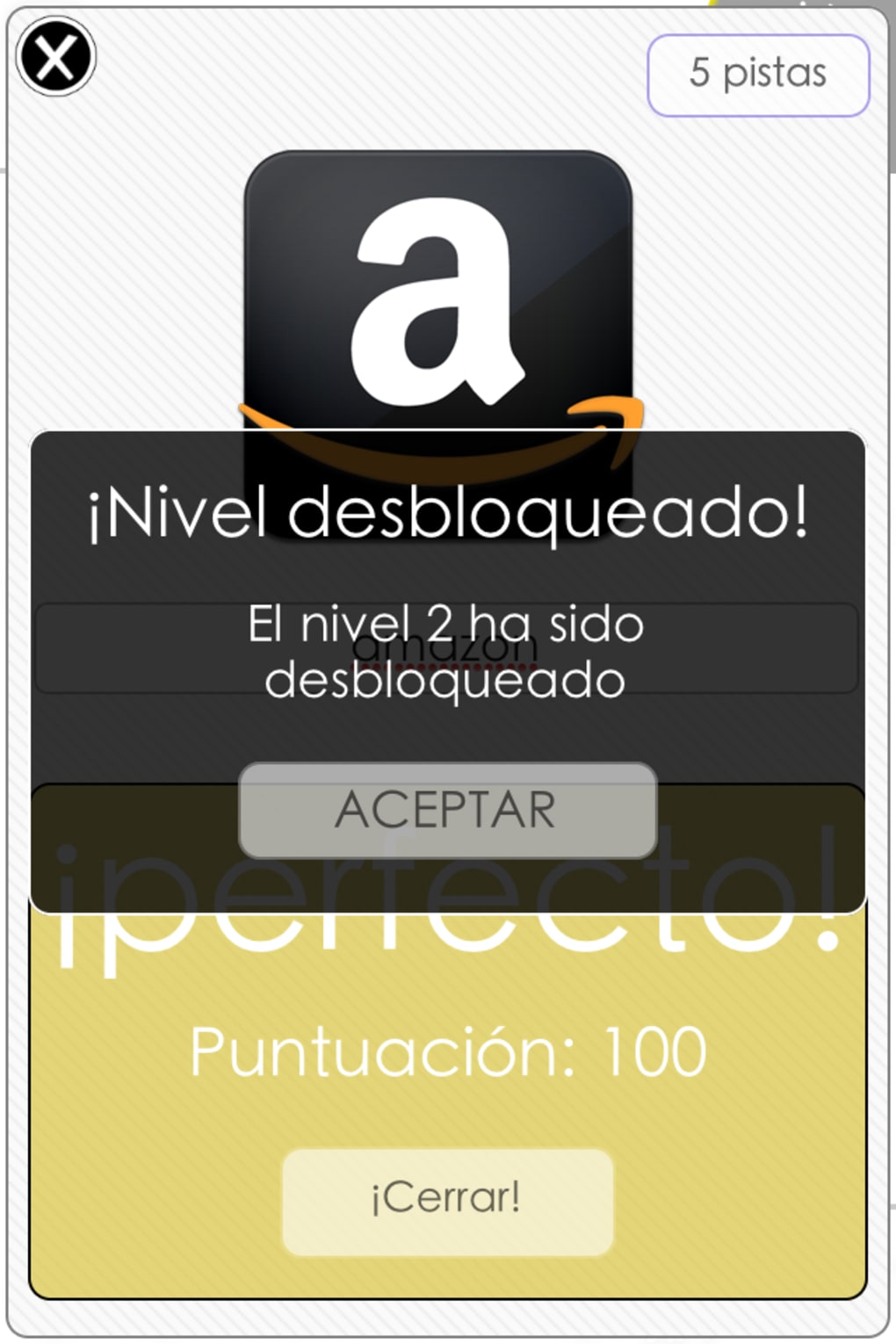
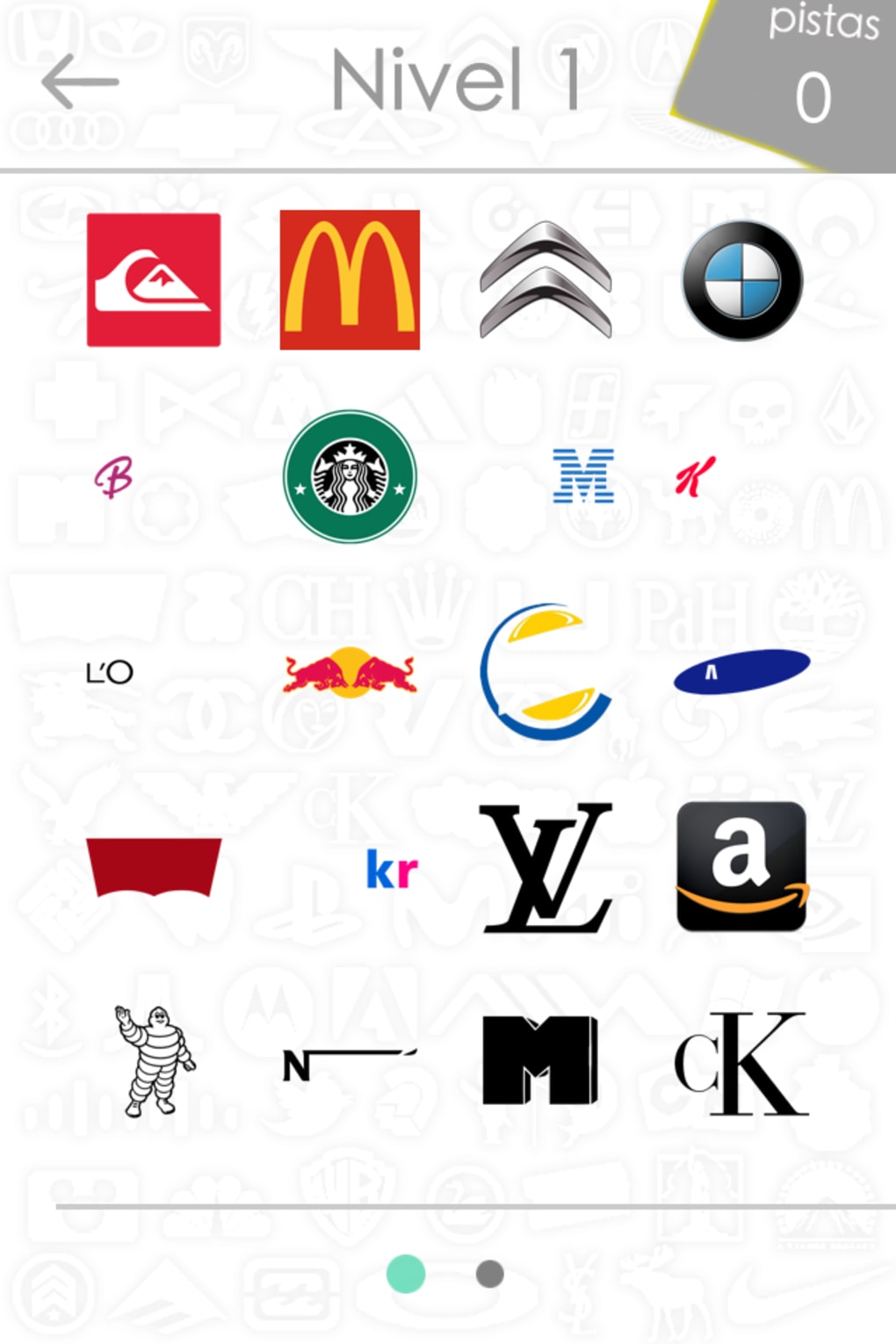
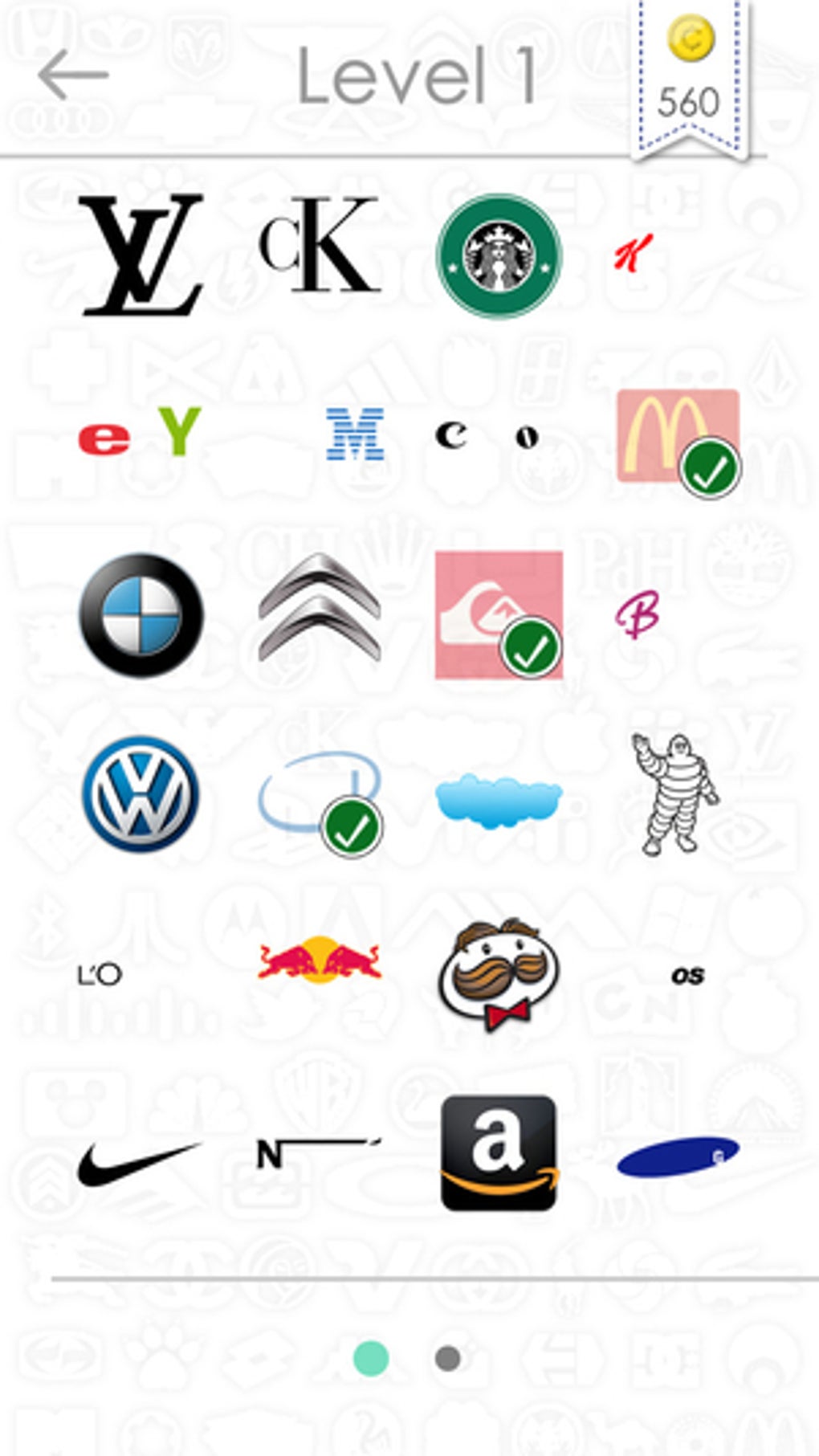
- Logo Identification Challenges – Players are presented with partial or stylized versions of well-known brand logos and must guess the correct company name. This feature sharpens visual recognition and memory skills.
- Multi-Language Support – Available in English, Spanish, and French, enabling accessibility across different regions and language preferences.
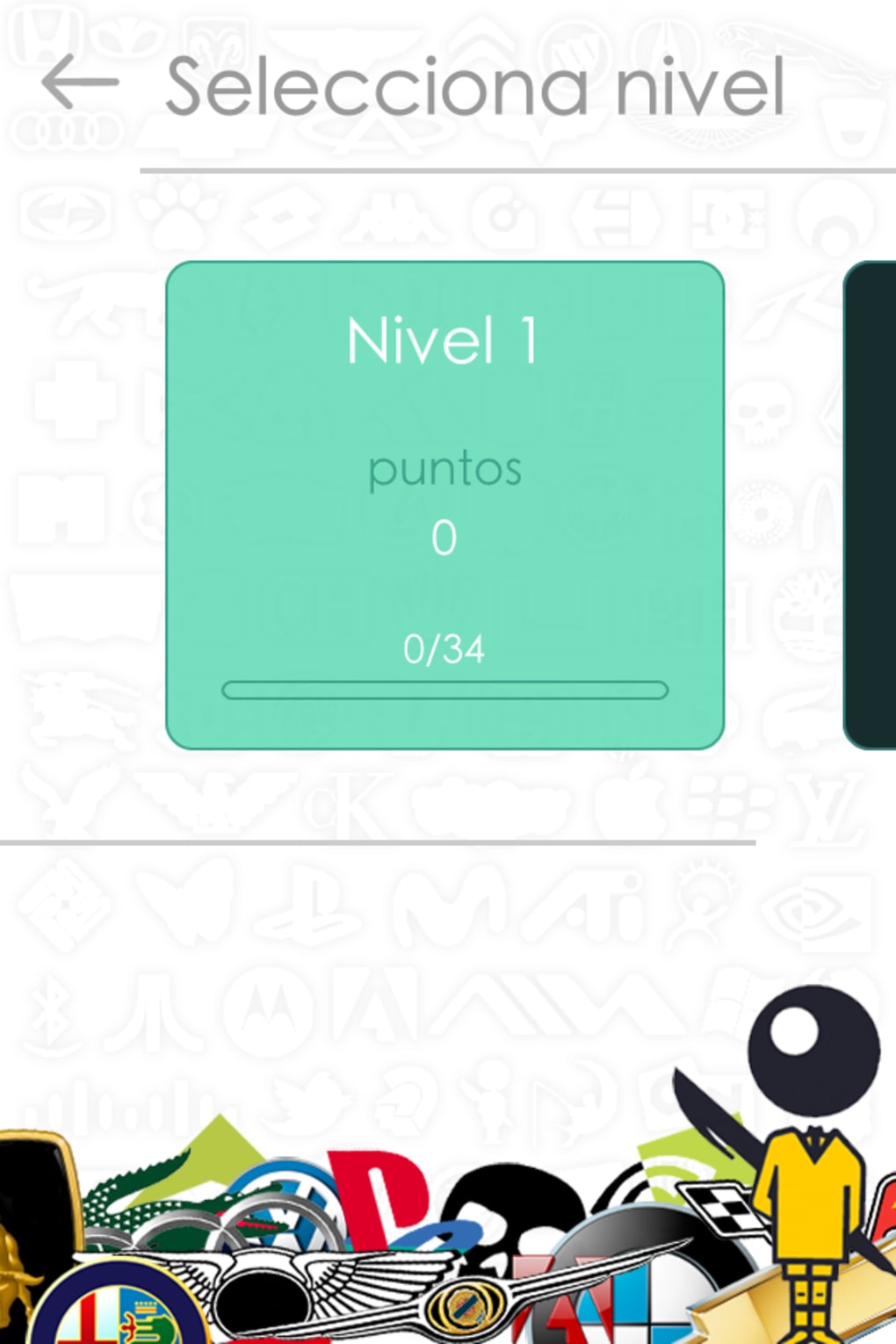
- Progressive Difficulty Levels – The game increases in complexity as players advance, ensuring sustained engagement and a sense of accomplishment.
- Compact App Size – At just 3.5 MB, the app is lightweight and easy to install on older or storage-constrained devices.
- Free to Download and Use – No cost is associated with downloading or playing the game, making it accessible to a wide audience.
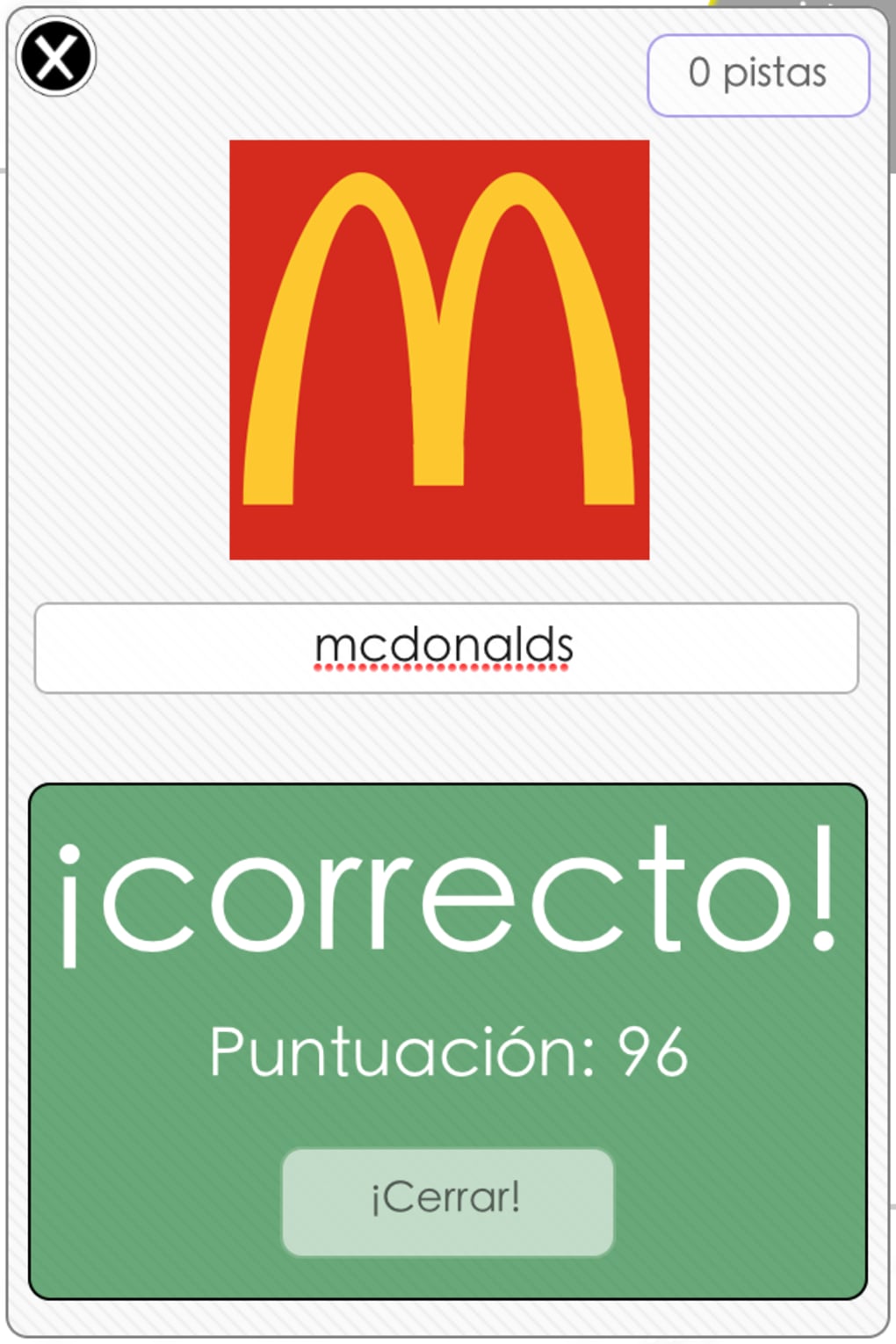
Each level presents a unique visual puzzle, encouraging users to think critically about design elements such as color, shape, and typography. For example, a partially visible golden arch might prompt the player to identify McDonald’s, while a stylized “S” could point to Samsung. These scenarios reflect real-world brand recognition processes and enhance cognitive engagement. The game’s structure supports repeated play, allowing users to track progress and improve over time.
User Interface, Workflow & Performance
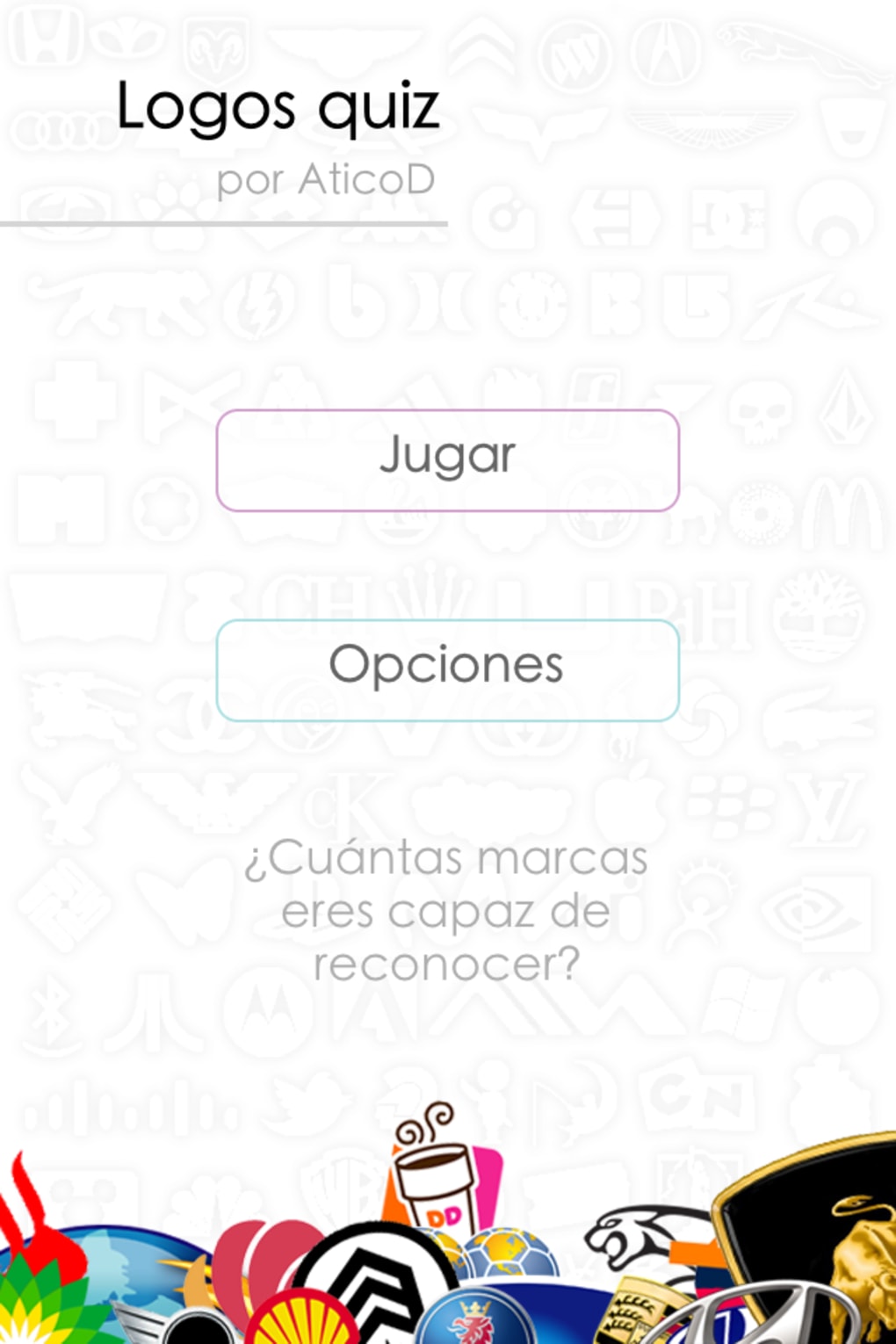
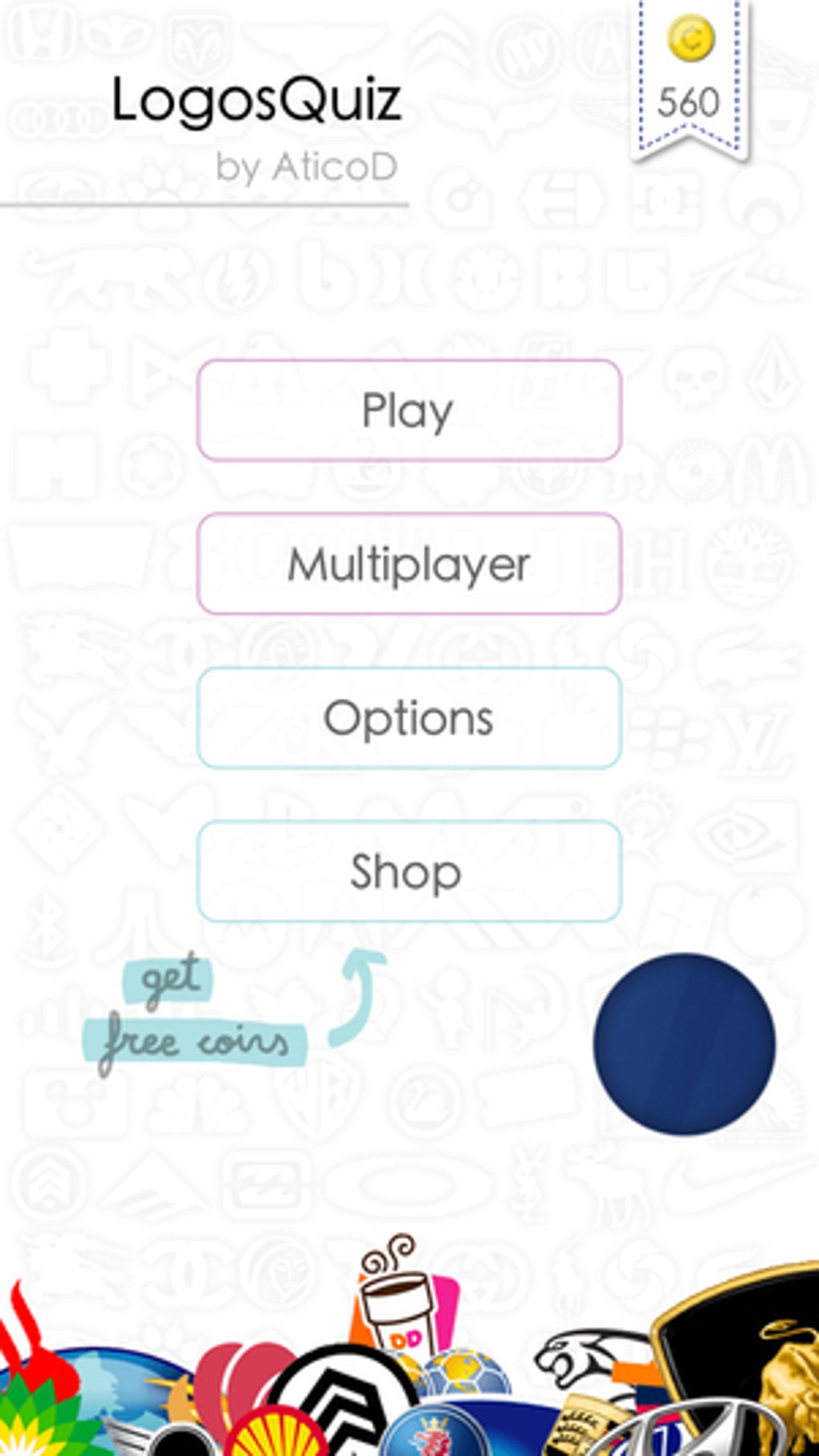
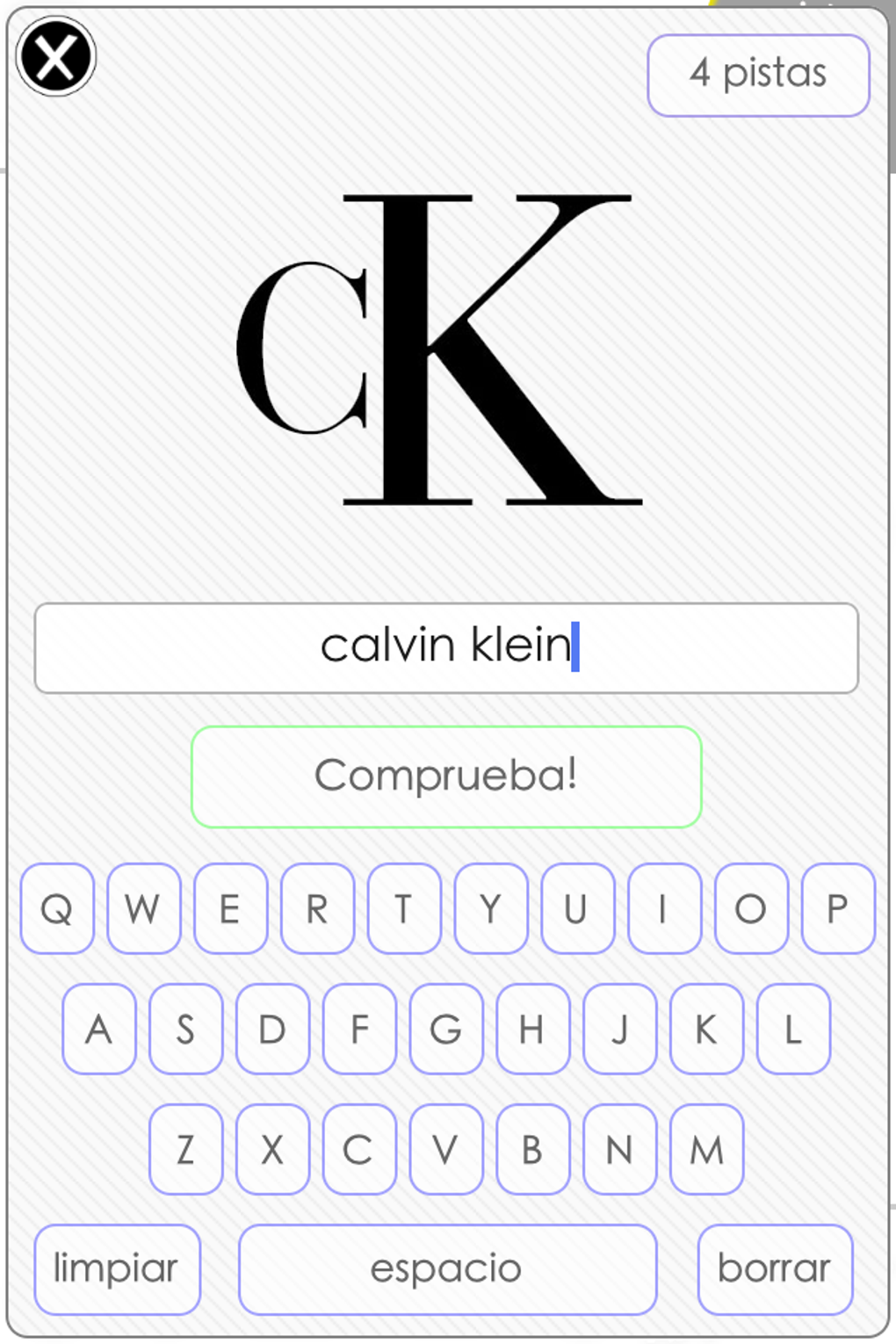
The user interface of Logos Quiz Game is designed with simplicity and clarity in mind. Navigation is straightforward, relying on intuitive touch controls to select answers from a list or input responses directly. The layout emphasizes the logo image, minimizing distractions and focusing attention on the core challenge.
Workflow efficiency is high, as players can start a round with a single tap and receive immediate feedback after each guess. The game’s performance is consistent with typical iOS applications of its era, delivering smooth transitions and responsive interactions. However, exact performance details were not specified by the developer, and no information was provided regarding CPU or RAM usage during gameplay.
Stability appears to be reliable, given the app’s long availability and minimal reported issues. The developer did not disclose any known bugs or crashes, and the app remains functional across iOS 2.0 and later versions. While modern iOS updates may affect compatibility, the game’s lightweight nature suggests it remains compatible with many current devices. General software behavior patterns indicate consistent performance under normal usage conditions.
Compatibility & System Requirements
Logos Quiz Game is designed exclusively for iOS devices and requires a minimum operating system version of iOS 2.0. This broad compatibility allows the app to run on a wide range of older and newer iPhones, including models released in the early 2010s and beyond. The latest version of the app is 2.0.0, released on December 21, 2014.
The installation size is 3.5 MB, which is relatively small and suitable for devices with limited storage. This compact footprint ensures quick downloads and minimal impact on device performance. However, exact system requirements such as processor speed, RAM, or graphics capabilities were not listed by the developer.
Platform compatibility information is limited to the operating system and version. No details were provided about hardware-specific optimizations or supported device models. Users should expect standard iOS app behavior, with functionality dependent on the device’s ability to run iOS 2.0 or higher. For users on modern iOS versions, compatibility may vary depending on Apple’s backward compatibility policies.
Pros and Cons
Pros
- Free to download and play with no in-app purchases
- Lightweight at only 3.5 MB, ideal for older or low-storage devices
- Supports multiple languages, increasing global accessibility
- Simple, intuitive interface with minimal learning curve
- Engaging gameplay that improves visual recognition and memory
Cons
- No recent updates since 2014, raising potential compatibility concerns
- Limited feature set compared to modern quiz games
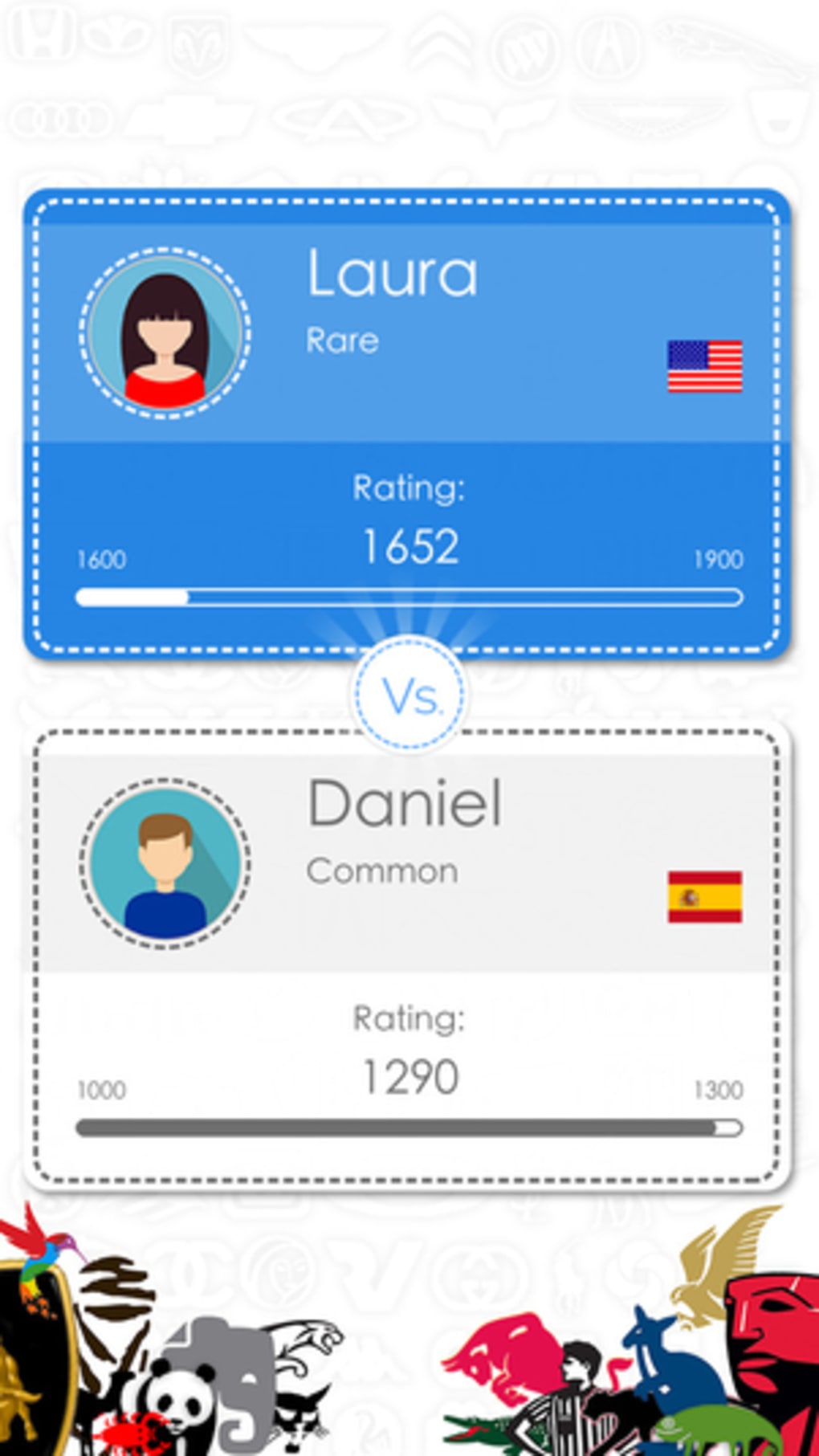
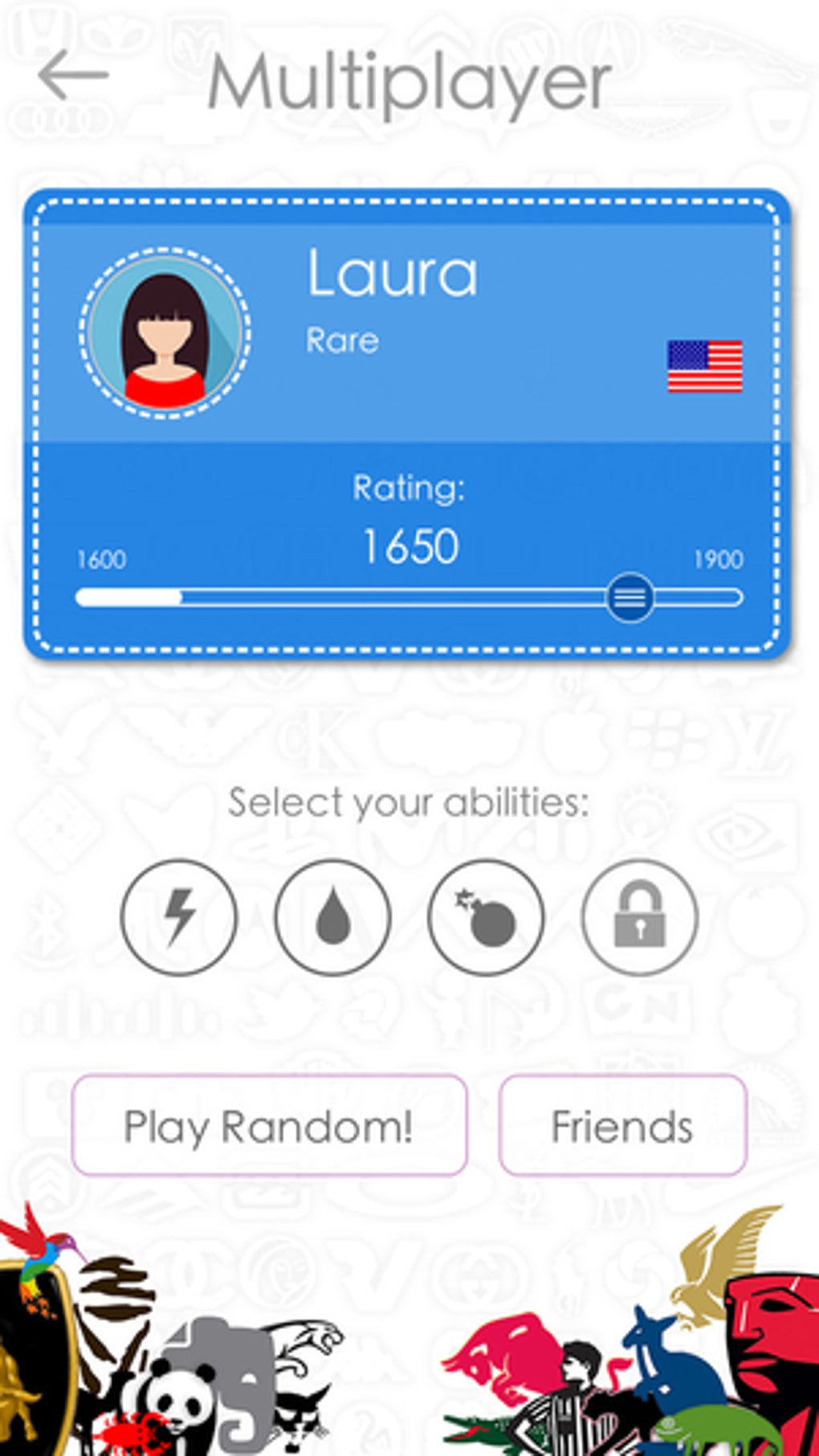
- No multiplayer or social sharing options
- Outdated design that may not appeal to current users
- Developer did not provide additional system requirements or technical details
FAQ Section
Is Logos Quiz Game compatible with my iPhone?
The app requires iOS 2.0 or later. If your iPhone is running a supported version of iOS, the game should function properly. However, compatibility with newer iOS versions may be limited due to the app’s last update in 2014.
Is the game safe to download?
Yes, the app is available through official iOS channels and has been verified by Apple’s App Review process. It does not require special permissions and operates within standard app security protocols.
Does the game require an internet connection?
Basic gameplay does not require an internet connection. The app functions offline once installed. However, no online features or updates are available due to the lack of recent development.
Can I play the game without in-app purchases?
Yes, the game is completely free and does not include any in-app purchases or advertisements. All features are accessible without additional costs.
How often is the game updated?
The last update was released on December 21, 2014. No further updates have been published since then, and there is no indication of future development.
Final Thoughts + CTA
Logos Quiz Game remains a solid choice for users seeking a no-cost, brain-engaging activity on their iPhone. While its design and features are dated, the core concept of identifying famous logos continues to offer entertainment and mental stimulation. The game’s lightweight nature and multilingual support enhance its accessibility, making it a worthwhile option for casual players and educators.
Despite the lack of recent updates, its long-standing presence in the App Store reflects a stable and reliable product. However, users should be aware of potential compatibility issues on newer iOS versions. For those who value simplicity, nostalgia, and free access, this app delivers consistent value.
Download Logos Quiz Game now
Guides & Tutorials for Logos Quiz Game
How to install Logos Quiz Game
- Click the Preview / Download button above.
- Once redirected, accept the terms and click Install.
- Wait for the Logos Quiz Game download to finish on your device.
How to use Logos Quiz Game
This software is primarily used for its core features described above. Open the app after installation to explore its capabilities.
User Reviews for Logos Quiz Game 0
No reviews found





